

As Twitter (now X) continues to evolve, managing who follows you has become just as important as growing your audience. Many users discover that not every follower adds value—some accounts are inactive, irrelevant, or even harmful to engagement.
If you’ve searched for how to remove followers on Twitter, you’re not alone. This guide explains what’s possible today, how follower removal works, and what to consider before cleaning up your follower list.
Can You Remove Followers on Twitter (X)?
Yes, Twitter (X) allows you to remove followers without blocking them.
When you remove a follower, that account is quietly unfollowed from your profile. In most cases, they won’t receive a notification. However, removing a follower does not prevent them from following you again in the future unless you also block the account.
This feature is designed for subtle cleanup rather than permanent restrictions.
Why People Remove Followers (and When It Makes Sense)
Users typically remove followers for practical reasons rather than personal ones.
Some want to clean up bot or inactive accounts that inflate follower counts but reduce engagement quality. Others remove accounts that no longer align with their content, or that repeatedly spam replies and DMs. For creators and brands, follower cleanup is often part of maintaining a healthier audience and more accurate analytics.
Removing followers is most effective when done thoughtfully—not as a reaction to short-term fluctuations.
How to Remove Followers on Twitter (X) on Desktop
The desktop version of X currently offers the most straightforward way to remove followers.
From your profile, navigate to your Followers list. Locate the account you want to remove, click the three-dot menu next to their name, and select Remove this follower. After confirming, the account will no longer follow you.
Many users miss this option simply because it’s tucked inside the follower list interface rather than profile settings.
How to Remove Followers on Twitter (X) on Mobile
On mobile, the experience can be less consistent.
Some users report that the “Remove” option is not always visible in the app. In these cases, a commonly used workaround is a soft block—temporarily blocking the account and then unblocking it. This causes the account to be removed as a follower without creating a permanent block.
While not ideal, this approach is still widely used when the native remove option isn’t accessible.
Will Someone Know You Removed Them?
In general, Twitter does not notify users when they are removed as followers.
That said, a removed follower may notice later if they manually check your profile or try to interact with your content. Because removal doesn’t prevent re-following, it’s best used for cleanup rather than long-term restriction.
If your goal is to stop repeated follow attempts, blocking remains the only reliable option.
Removing Followers in Bulk: What to Know First
One of the most common follow-up questions is whether followers can be removed in bulk.
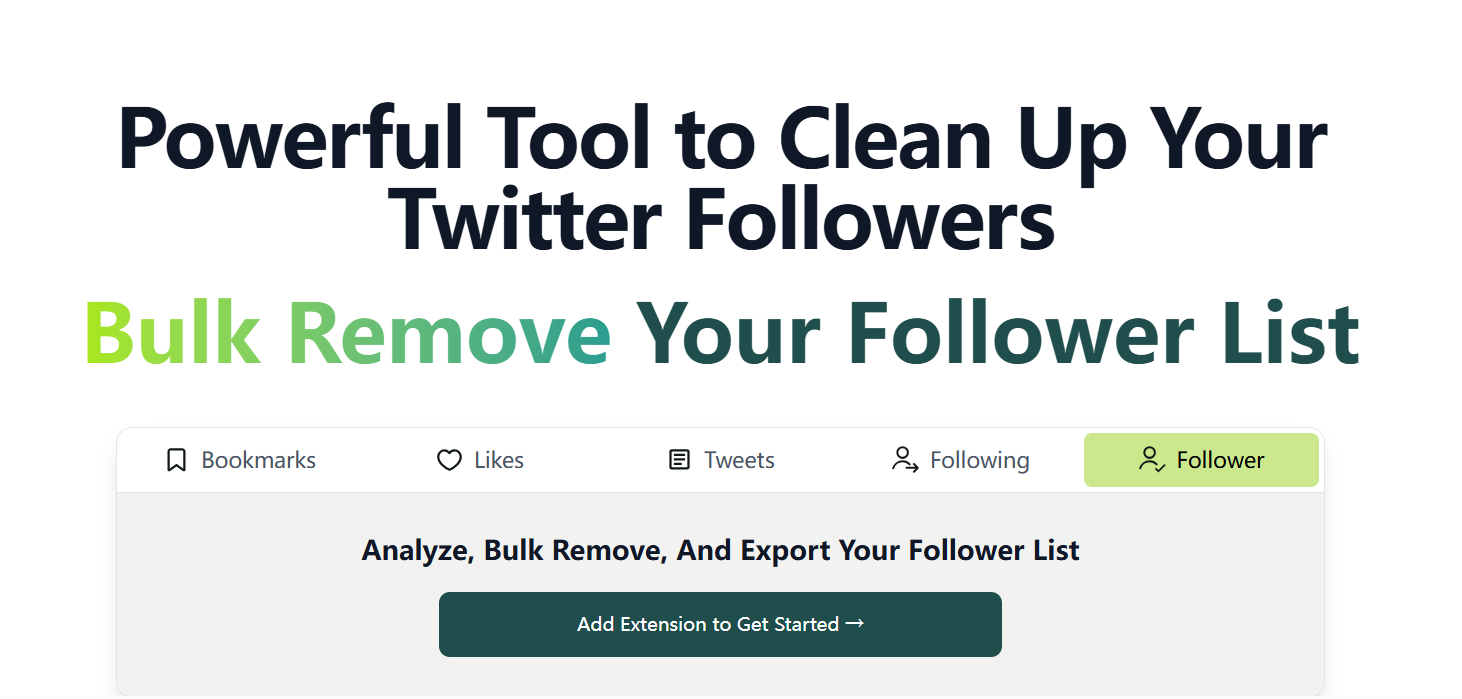
Natively, Twitter focuses on individual removal. This is why many third-party tools emphasize bulk cleanup, especially for users dealing with large numbers of inactive or low-quality followers. These tools often combine filtering with automated actions.
However, bulk operations come with trade-offs. Rapid or aggressive actions can trigger platform limits, and granting broad permissions to third-party apps requires careful consideration. Understanding why you’re removing followers is just as important as how you do it.
A Practical Approach Before You Remove Anyone
Before removing followers, it’s worth taking a step back.
Consider whether an account is truly inactive, irrelevant, or harmful—or simply a quiet follower. Removing genuine followers by mistake can skew engagement metrics and reduce reach. Spacing out actions and avoiding sudden mass removals can also help maintain account stability.
Follower cleanup works best as a periodic review, not a one-time purge.
A More Efficient Way to Manage Followers
For users who need ongoing visibility into their follower list—rather than one-off removals—tools like ArchivlyX’s Twitter Follower Manager are designed to support structured follower review and management over time.
Instead of manually checking accounts one by one, ArchivlyX helps you understand follower changes and manage your audience more efficiently as your account grows.
You can learn more here:
👉 https://www.archivlyx.com/twitter/follower-manager
FAQ
Can I remove a follower without blocking them?
Yes. Twitter’s “Remove this follower” option allows soft removal without a block.
Can I remove followers from the mobile app?
It depends on the app version. When the option isn’t visible, a soft block workaround is often used.
Can I remove multiple followers at once?
Twitter’s native tools focus on individual actions. Bulk removal typically relies on third-party solutions.
Will removing followers affect engagement?
Removing inactive or low-quality followers can improve engagement quality, but results depend on how carefully the cleanup is done.
Final Thoughts
Removing followers on Twitter is not about shrinking your audience—it’s about improving its quality.
Whether you’re dealing with bots, inactive accounts, or misaligned followers, understanding how removal works helps you make better decisions without unnecessary risk. When follower cleanup is paired with long-term tracking and thoughtful management, it becomes a practical part of maintaining a healthy account.


