

Anyone who has used Twitter (X) long enough eventually runs into the same problem: the platform is great at helping you discover content but terrible at letting you keep it. Tweets disappear, threads get deleted, accounts vanish, and bookmarks quickly become an endless, unsearchable list that no one ever revisits.
Over time, countless websites and social media posts have simply vanished. This is exactly why large-scale web-preservation projects such as the Internet Archive’s Wayback Machine exist—to preserve pages and online content that would otherwise be permanently lost
This same fragility applies even more strongly to social platforms like Twitter, and it’s why more people now search for a Twitter bulk downloader. The goal isn’t just exporting data—it’s building a way to preserve content that matters: your own tweets, saved threads, research materials, creative references, and personal collections that could disappear at any time.
Why Bulk Downloading Twitter Content Has Become Necessary
For a long time, I assumed that saving tweets simply meant bookmarking or taking screenshots. That worked… until it didn’t. Bookmark lists became cluttered and impossible to browse. Screenshot folders grew chaotic and disconnected from context. And when multiple creators deleted threads I had relied on for writing and research, I realized there was no real safety net at all.
Twitter’s built-in archive export barely solves this problem. It produces an enormous ZIP file full of raw data—technically comprehensive, but practically unusable. Searching through it is cumbersome, and it provides no help if content disappears after the export is taken.
Meanwhile, browser extensions and scraper tools promise easy downloading but usually suffer from broken downloads, media mismatches, rate limits, or missing posts. And once you finally obtain all the files, you’re left with a bigger challenge: organizing them into something useful.
The truth is that most users don’t just need a way to download tweets. They need a way to preserve, manage, and rediscover them over time.
Why Simple Download Tools Aren’t Enough
Downloading tweets alone doesn’t solve the real problem.
Screenshots or simple file dumps offer zero proof of authenticity and no meaningful way to reconstruct context. In fact, a recent 2025 academic study, Web Archives for Verifying Attribution in Twitter Screenshots, demonstrated clearly that screenshots are among the least reliable ways to preserve social-media content. The study found that only archived web records can reliably confirm provenance and ensure long-term retrievability of posts
This means that truly preserving Twitter content requires more than capturing images or ZIP files—it requires structured archiving, where metadata, timestamps, relationships, and searchability are preserved together.
Without this structure, bulk downloads become digital clutter—thousands of files that might as well be invisible because they can never be found when needed.
Where Archivlyx Fits In
Archivlyx addresses this problem at its root. Instead of functioning purely as a Twitter bulk downloader, it acts as a personal archiving system that syncs your tweets, bookmarks, likes, and media directly in your browser while keeping everything fully private and under your control.
All processing runs locally—your data is never uploaded or stored on external servers—which makes it especially suitable for creators, journalists, researchers, or anyone handling sensitive material.
What elevates Archivlyx beyond simple exporters is its new Collections (bookmark-based archiving) feature. After syncing, Archivlyx automatically organizes your saved content into topic-based folders using lightweight local AI, grouping tweets by themes, formats, or usage intent. These collections become living archives you can browse at any time instead of scrolling endlessly through bookmarks or file trees.
In this way, Archivlyx replicates the usefulness of large public archiving systems like the Wayback Machine—but tailored for private, personal use—turning raw downloads into a searchable, navigable knowledge library.
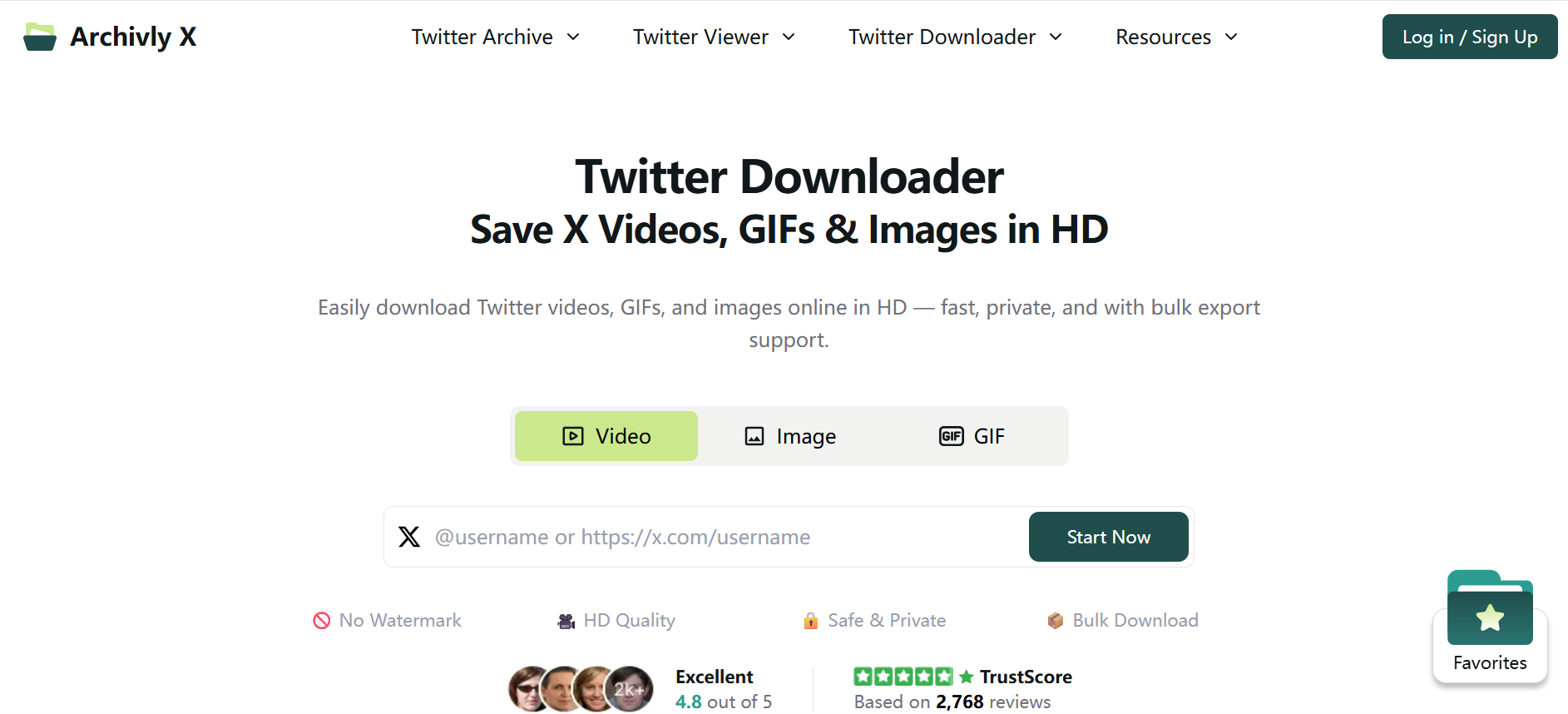
Bulk Downloading and Archiving Twitter with Archivlyx
Using Archivlyx is straightforward. You connect your Twitter account via secure OAuth and allow the system to sync your timeline, bookmarks, likes, and saved media.
Rather than processing a single massive dump, Archivlyx operates continuously. Each time the app runs, new content is quietly added to your personal archive.
From here, you can decide how to work with your data:
• Download your full tweet history.
• Archive content within a specific time range.
• Export only bookmarked tweets or organized collections.
• Focus on media-only records for offline creative projects.
Exports are produced in structured, usable formats like CSV or Markdown, with optional bundled media folders. Because everything has been pre-organized through Collections, the resulting archive is immediately practical—ready for analysis, reuse, writing, or reference without additional cleanup.
Common Questions About Twitter Bulk Downloading
Many people worry whether bulk downloading Twitter content is permitted. Downloading your own public posts for backup, research, or content management purposes is generally allowed, especially when done via authorized connections instead of scraping.
Scale is another concern. Archivlyx handles accounts with thousands of tweets by syncing incrementally rather than performing unstable one-time dumps.
Privacy is often the biggest question. Archivlyx’s local-only processing eliminates cloud storage risks entirely—no copies remain outside your control.
Finally, users don’t have to download everything. Archivlyx allows selective exporting based on keywords, hashtags, engagement metrics, bookmarking labels, or collection folders.
Smarter Archiving: What Actually Works
Effective preservation isn’t about downloading massive datasets once and forgetting them. It works best with continuous updating, structured organization, and easy retrieval. This is why collection-based archiving outperforms manual file naming and screenshot hoarding: it maintains meaning, context, and accessibility over time.
Well-managed archives become practical tools rather than digital junk drawers.
Is Archivlyx the Right Twitter Bulk Downloader for You?
If your only goal is grabbing a one-time snapshot of tweets, many tools can do the job. But if you want durable control over your content—particularly if Twitter data plays an ongoing role in your creative or professional life—Archivlyx provides a far more sustainable solution.
It’s especially valuable for:
• Writers repurposing threads
• Creators archiving inspiration or projects
• Journalists preserving source material
• Researchers maintaining data continuity
• Knowledge collectors organizing long-term reference libraries
Rather than acting as a simple exporter, Archivlyx lets you build a private version of the web archive—customized entirely around your own Twitter content.
Final Thoughts
Twitter was never designed to preserve your work permanently. But with the right tools, you don’t have to depend on an unstable platform for content you care about.
If you’re looking for a Twitter bulk downloader that also lets you organize, collect, and authenticate your saved posts in a true archive, Archivlyx offers one of the most complete solutions currently available.
👉 Try Archivlyx free: https://www.archivlyx.com/


