

Most people treat the internet like a permanent record. If something important happens, we assume we can search for it later. But anyone who has tried to revisit a post from months ago knows the truth: public content is fragile. Posts get deleted. Accounts change direction. Links break. Context disappears.
If you’re doing research, tracking public narratives, managing brand intelligence, or simply trying to keep a consistent record of what you’ve seen, “I’ll find it later” is not a strategy. A personal archive is.
The web feels permanent—but posts and context change
Content can disappear for many normal reasons: users clean up old timelines, organizations remove outdated statements, or accounts get renamed, suspended, or made inactive. Even when content remains public, it can become harder to find due to feed reshuffling, reduced discoverability, or algorithmic surfacing that favors novelty over reference.
This is why archiving isn’t about drama or paranoia. It’s about durability.
If a post matters to your work, your research, or your future decisions, you need a system that doesn’t depend on a platform’s interface staying the same.
Screenshots aren’t a real archive
The default method for saving something online is a screenshot. It’s fast, and it feels safe. But screenshots don’t scale, and they lose important structure.
Screenshots usually fail in three ways:
They’re not searchable. You can’t reliably query hundreds of screenshots by keyword or date unless you manually organize everything (and almost nobody does).
They lose context. Links, threaded structure, and surrounding posts often matter as much as the single image you captured.
They’re hard to reuse. If you want to analyze patterns, compare timelines, or share references in a clean way, screenshots become friction.
A real archive should preserve data in a way that supports future work—not just future viewing.
What a practical archive should preserve
A useful archive captures more than a moment; it preserves a usable record.
At a minimum, a practical archive should give you:
• account-level history (so you can understand sequences, not isolated posts),
• organization (dates, labels, categories),
• and exportability (so you can use the data outside the product).
If you’re collecting references for research, partnerships, reporting, or internal documentation, the ability to search and export matters more than the ability to “save an image.”
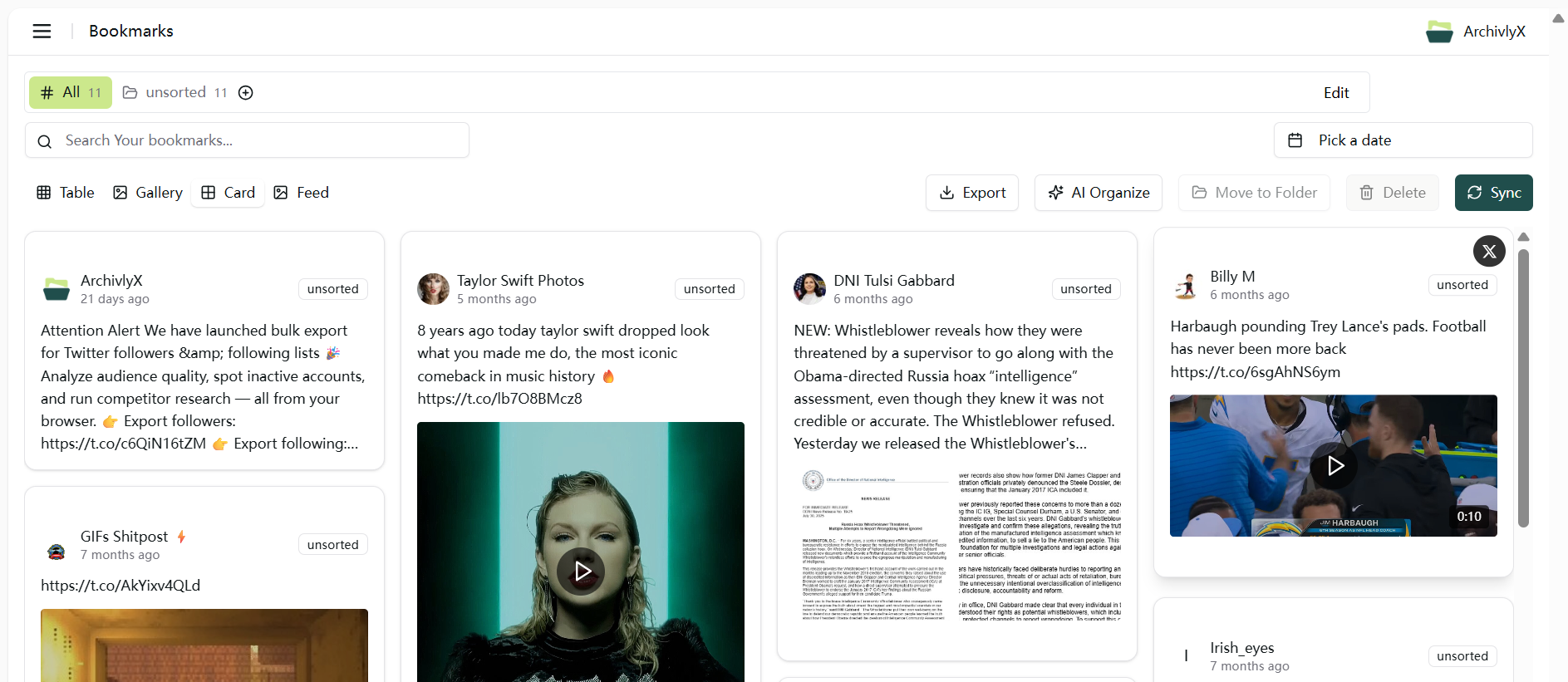
Why exporting followers/following lists can be valuable
Follower and following lists are a type of public context that changes quietly over time. For many workflows—research, brand monitoring, partnerships, or community analysis—those changes can be meaningful.
Exporting these lists creates a dated snapshot you can compare later. Instead of relying on memory or manual scrolling, you can analyze differences across time windows, validate changes, and keep records that fit into spreadsheets or reporting tools.
The key is to keep this ethical and public-only: you’re working with publicly available information, and the goal is analysis and documentation—not harassment or targeting.
How ArchivlyX supports exporting and archiving
Archivlyx is built for turning public social information into something durable and usable.
For follower/following exports, Archivlyx supports spreadsheet-friendly formats such as CSV or XLSX, which makes it easy to work with in Excel, Google Sheets, or internal reporting pipelines.
Inside the product, export options for other content types may include formats like CSV, JSON, and Markdown.
Most importantly, you’re not just exporting files. You’re building a personal archive: a place where content can be organized, searched by keyword/date, and reused later without depending on the platform’s interface.
And because follower/following export can be done via the web for public accounts, users can access the workflow without a complex setup.
Real-world scenarios where archiving matters
A personal archive becomes valuable in everyday situations, not just headline moments.
You might be researching a topic and need consistent references that won’t disappear. You might be analyzing public account relationships for partnerships or community mapping. You might want to keep a clean record of accounts you’ve studied, with dated exports for comparison.
Or you might simply want to preserve work you’ve already done—so that next month you’re not rebuilding the same context from scratch.
In each case, the product value is the same: fewer “lost links,” fewer dead ends, and a workflow that stays usable over time.
Responsible use and boundaries
Archivlyx is an independent tool and is not affiliated with X. It is designed for working with publicly available information and supporting personal workflows such as organization, analysis, and documentation.
Users should avoid misuse: no harassment, no targeting, and no attempts to access private or restricted content. If you’re exporting and archiving, keep context and cite sources rather than over-interpreting changes.
Clear boundaries build trust—and trust is what makes an archive valuable.
Build your Twitter News Vault
If you want a reliable way to export public followers/following lists and build a searchable personal archive, try Archivlyx free. Start small: export one public list, save one important reference, and build a system you can rely on later.


