
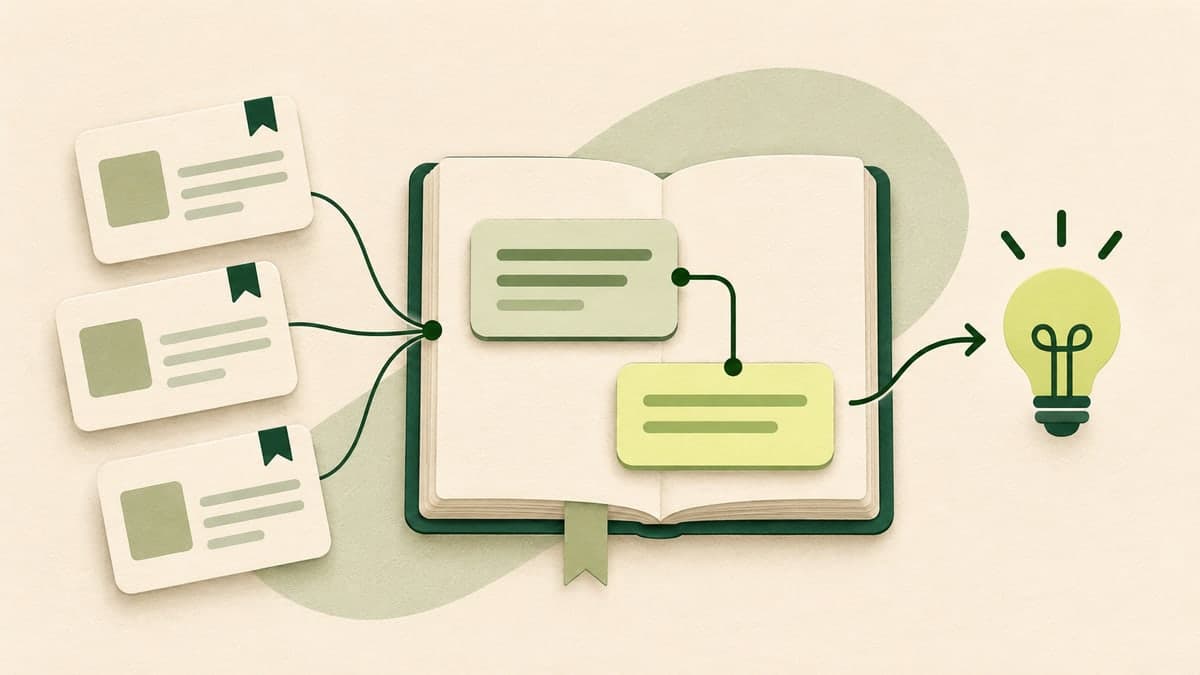
You can move Twitter bookmarks into Obsidian by exporting the available bookmarks as Markdown and copying the .md file into your vault. Keep the source links, then connect the useful posts to a topic note. The export gives you a reference collection; the topic note turns it into research you can use.
The common failure comes a week later: the file imported perfectly, but finding the reason you saved a post still means scrolling through hundreds of entries. A little structure at the point of import saves that second search.
Choose a small batch you actually need
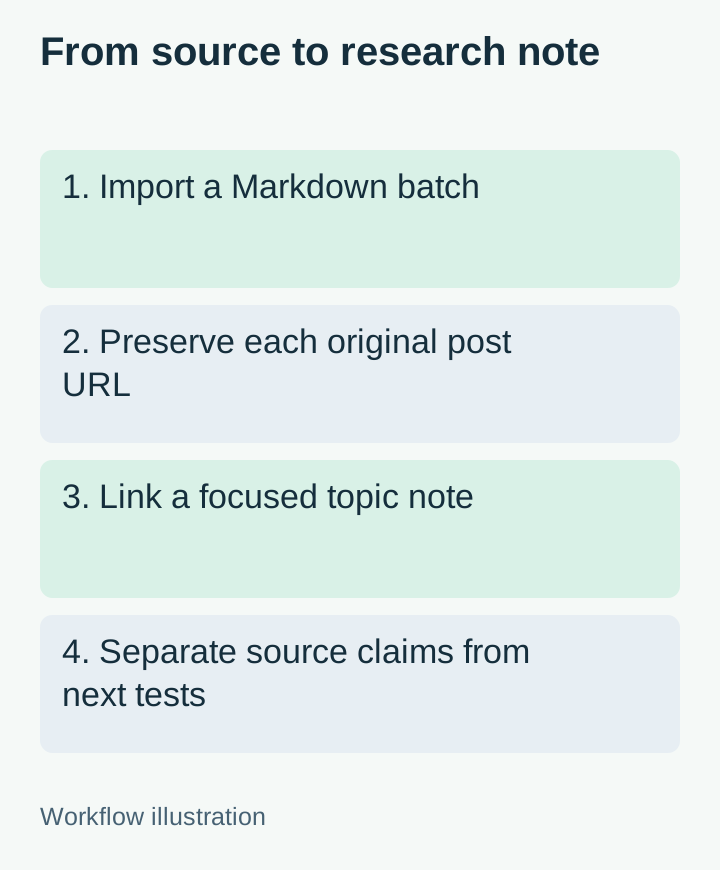
Start with one question, such as “Which onboarding ideas should we try next?” Select a manageable group of bookmarks related to that question. A focused batch is easier to read and link than a single file containing every saved post.
If you already have a Markdown export, go straight to the next section. In Archivlyx Bookmarks, sign in to your Archivlyx account, install the browser extension when prompted, and use your accessible X session to sync the bookmarks. Wait until the records you want appear, then select a small set for your research question. Markdown export requires an eligible paid plan; check current export access before starting.
Click Export, choose Only Selected for your checked posts, select Markdown (.md), then click Start Export. If the download arrives as an archive, extract the .md file first. Open that file briefly before copying it into Obsidian: it should contain the posts you selected, rather than a different folder or a much larger batch.
The Markdown file groups each post with its available text, a Created field, a View on X link, and any supplied media links. Created is the post's timestamp. The separate Exported on value near the top records when the export was made; neither is an Obsidian import date.
This is a file handoff. It does not create an automatic Obsidian connection or keep future bookmarks synchronized into your vault.
Put the file in your vault, then check one post
Find the folder for your Obsidian vault in your file manager. Create a folder such as Sources/X, then copy the downloaded .md file into it. Give the file a name you can recognize later, for example X bookmarks - onboarding - 2026-11-03.md. Open it from Obsidian's file list.
Before importing more batches, inspect one entry that you recognize:
Does the text belong to the expected post?
Does View on X point to that post, rather than just the author's profile?
Is the timestamp being read as the post date?
Are media items links, local files, or missing?
An exported media URL is still a link. It does not mean the image or video has been downloaded into your vault. The original post may also become unavailable later. Keep any separately saved attachments with clear filenames if offline access matters to your work.
Obsidian supports standard Markdown links and internal note links, so you can retain the export's external references and add your own connections without converting the whole collection to another format.
Write one topic note instead of annotating everything
Create a note named Onboarding ideas. Use the following template, replacing the placeholders with your actual question, export filename, and post URLs. Keep the distinction between the source's claim and your own proposed experiment.
# Onboarding ideas

## Question
What could help a new user reach a useful first result?

## Source collection
[[X bookmarks - onboarding - 2026-11-03]]

## Idea 1: Show a completed example before setup
- Source: [Original post](PASTE_ACTUAL_POST_URL_HERE)
- What the source says: Replace this with a faithful short summary.
- My take: A sample project might explain the outcome before signup.
- What to try: Let a first-time visitor open one read-only example.
- Still unknown: Whether this changes activation for our audience.

## Next review
Choose one idea to test. Record the result here, even if it fails.
The experiment above is an illustrative idea, not a reported result. The source URL placeholder must be replaced before the note is useful. Copy the URL from the relevant exported entry; do not use the export filename as a substitute for the original post link.
The collection link helps you return to the batch. The per-idea source link helps you check the actual claim. Those links have different jobs, and keeping both is what makes the note useful during a later decision.
Make the connection easy to find again
Add a link from the export note back to [[Onboarding ideas]]. Now you can arrive from either direction. Obsidian's Backlinks pane shows notes that link to the current note; open it to check that the connection exists.
If you cannot find the batch later, search a distinctive phrase from a saved post. Obsidian's Search documentation describes quoted phrases and folder filters. For example, path:"Sources/X" "first result" narrows a search to that source folder and phrase, provided those words actually occur in the imported text.
Do not rely on a tag alone to preserve your reasoning. #onboarding tells you the subject. “This example could reduce the work before the first result” tells you why you saved it.
Handle the next export without creating a second archive mess
Keep later batches in separately dated files until you have checked them. If the same post appears twice, compare the original post URL before merging or deleting an entry. The text may have changed, and a display name is not a reliable duplicate key.
For a longer-term view of why source collections need care, see Build a Personal Social Archive. The practical habit here is smaller: import one batch, verify one recognizable post, connect one useful idea, and write down what you plan to do with it.
Your first successful import does not need a complicated tagging system. It needs a readable source file and one note that answers, “Why did I save this, and what will I do next?”


