

Looking for a Twitter post manager without an app? Many tools focus on scheduling or analytics, but very few help you manage tweets you’ve already published.
For most users, “without an app” means staying in the browser. No mobile installs, no desktop software, just a simple way to search old tweets, delete posts in bulk, and organize Twitter history.
The article will guide you to find a better way to easy manange your twitter account.
What “Without an App” Really Means
When people search for a Twitter post manager without an app, they’re usually trying to avoid friction.
They don’t want another mobile app on their phone.
They don’t want desktop software running in the background.
They want something lightweight that works directly in the browser.
What “without an app” does not mean is zero authorization. Any tool that manages tweets still needs permission to act on your account. The real difference is how and where the tool operates browser-based instead of app-based.
Managing Tweets Directly in the Browser With ArchivlyX
ArchivlyX is designed specifically for managing existing Twitter/X content, not planning future posts.
Instead of calendars, approvals, or analytics dashboards, it focuses on three actions Twitter/X still doesn’t support well natively: searching, deleting, and organizing tweets.
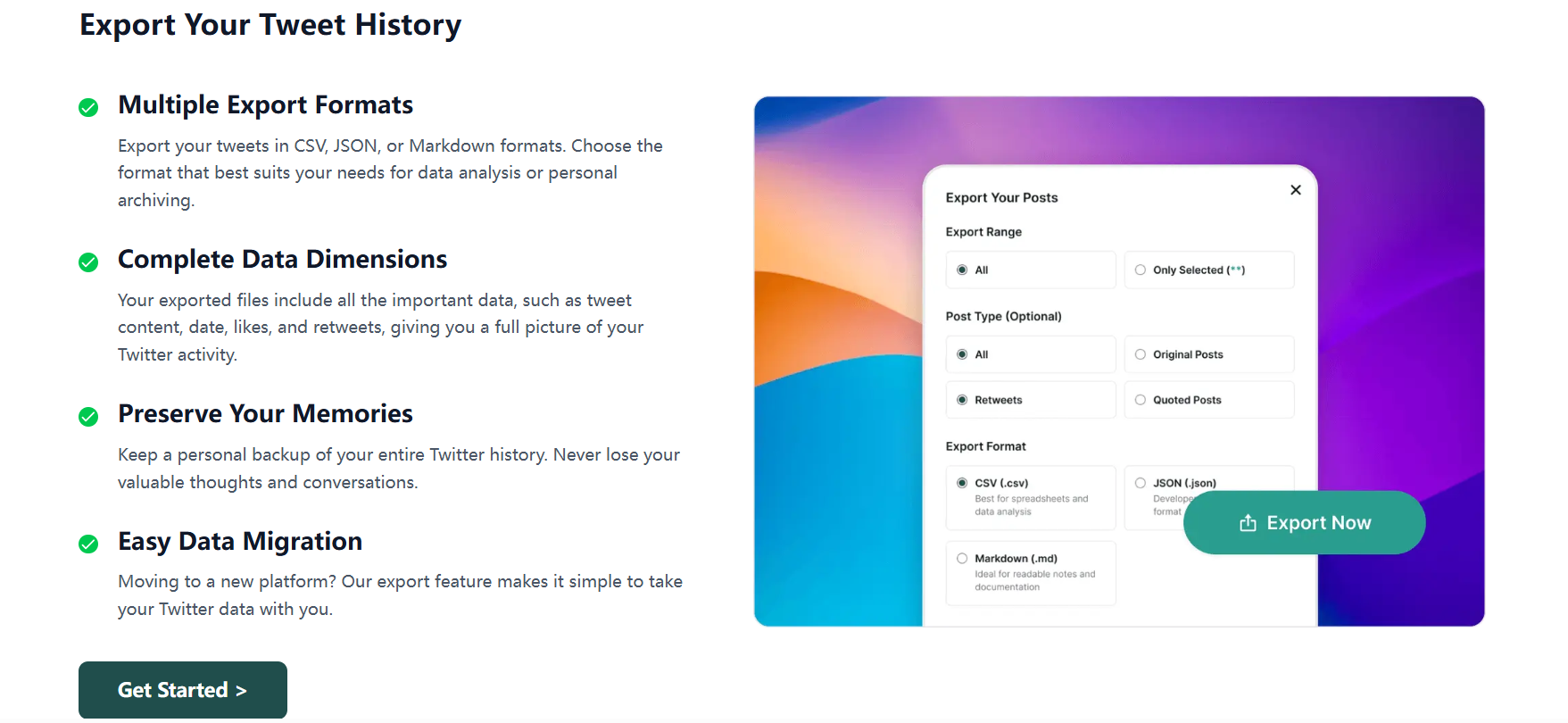
With ArchivlyX, you can search your tweet history by keyword or date, quickly locate old replies, and delete tweets in bulk instead of removing them one by one. You can also organize tweets into categories, turning your timeline into a searchable archive rather than an endless scroll.
Everything runs in the browser, so there’s no mobile app to install and no desktop client to maintain.
What People Expect From a Twitter Post Manager in 2026
User expectations have shifted. A modern Twitter post manager is about control, not complexity.
Searching Old Tweets Efficiently
Twitter’s native tools make it difficult to find your own posts from years ago. A proper post manager lets you filter by keyword, time range, and content type so you can locate tweets quickly.
Mass Deleting Posts
Deleting tweets one by one is slow and unrealistic for active accounts. Bulk deletion is one of the main reasons users look for third-party solutions.
Organizing Tweet History
For creators and brands, old tweets aren’t just clutter — they’re content assets. Organizing them makes reuse, audits, and cleanup far easier.
Privacy and Safety
Many users prefer browser-based tools with clear permission scopes over always-on mobile apps.
(External link opportunity: articles on deleting old tweets, digital footprints, or online reputation management.)
Twitter Management Tools vs Twitter Post Managers
Many articles group all Twitter tools together, but the distinction matters.
Traditional Twitter management platforms focus on scheduling, publishing, team workflows, and analytics. They’re ideal for agencies and marketing teams managing multiple accounts.
Twitter post managers focus on what already exists. They help you search, clean up, and organize past tweets. If your question is “How do I manage what I’ve already tweeted?”, a post manager is usually the better fit.
Common Use Cases for a Twitter Post Manager
People use tweet managers for very practical reasons.
Job seekers often clean up old tweets before applications or background checks.
Creators use searchable archives to reuse or reference past content.
Brands remove outdated promotions or audit campaign history.
Public-facing accounts need fast cleanup during reputation or PR issues.
In all these scenarios, speed and precision matter more than publishing features.
Frequently Asked Questions
Can I manage Twitter posts without installing an app?
Yes. Browser-based tools allow you to manage tweets without mobile or desktop apps.
Does Twitter/X offer bulk deletion natively?
No. Twitter/X still requires tweets to be deleted individually.
Is it safe to use a Twitter post manager?
Reputable tools use limited, account-authorized permissions. Always review access scopes before connecting.
Can I manage tweets for free?
Some tools offer limited free actions, but full search and bulk deletion usually require a paid plan.
Final Thoughts
If your goal is scheduling posts or running a social media team, a full management platform makes sense.
But if you’re specifically looking for a Twitter post manager without an app — something that lets you search, delete, and organize existing tweets directly in your browser — a focused tool like ArchivlyX is often the simplest solution.
Instead of endlessly scrolling through your timeline, you get real control over your Twitter history.
👉 Learn more here: https://www.archivlyx.com/twitter/posts-manager


