Your Twitter Bookmarks are private. Other people can’t open your list on X or identify you from a post’s bookmark count. X can show that a post was saved, and how often it was saved, without showing who saved it.
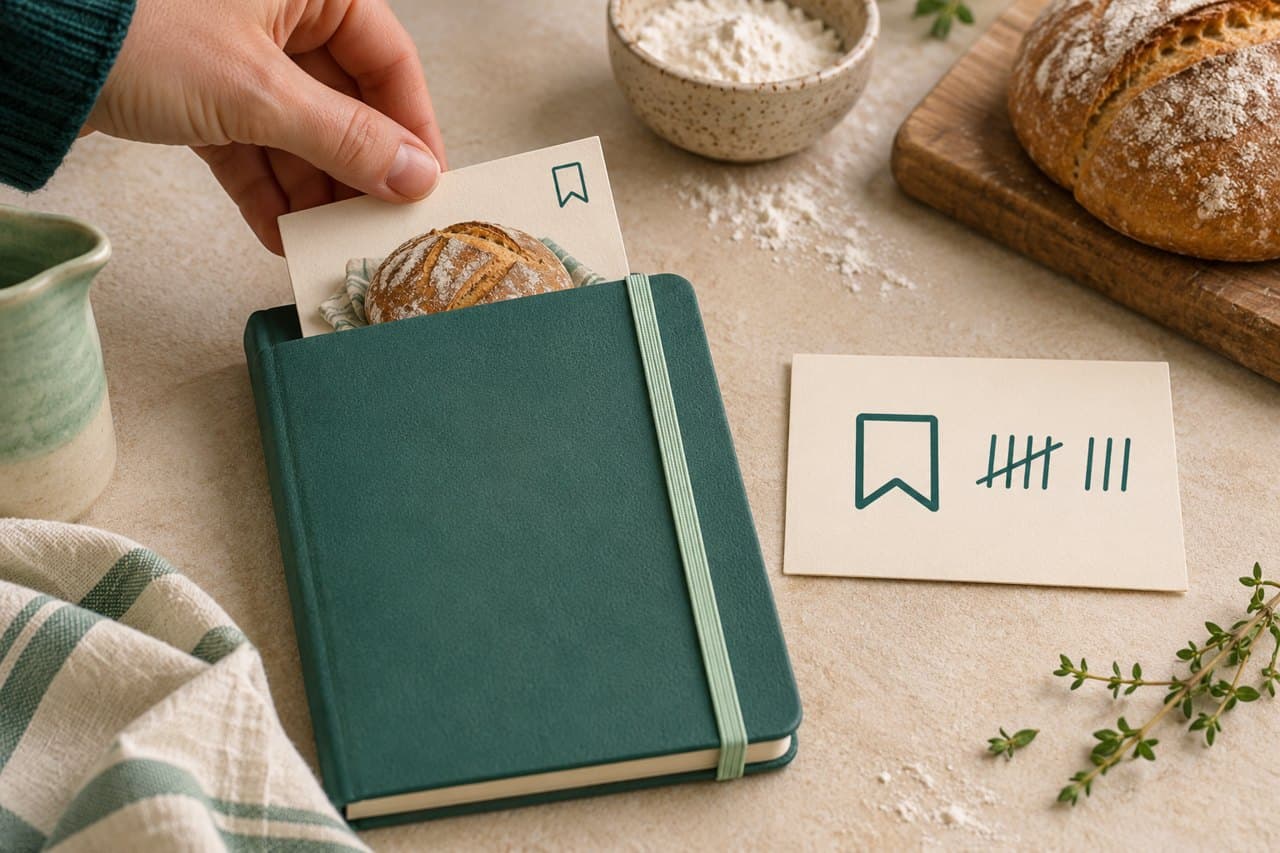
Say you bookmark a bread recipe on Friday so you can bake it on Sunday. You can open the recipe from Bookmarks when you need it. Someone looking at your profile can’t see that you saved it. If you want a friend to try the recipe, send them the original post link. They can open it if they have access to the post on X.
What a bookmark count tells you
The bookmark count belongs to the post. Your Bookmarks list belongs to your account. X documents the number as a public, aggregate metric. The count tells an author that people saved a post, but the metric contains no account names.
What you want to know | What you can see |
|---|---|
Which recipes did I save? | The posts in Bookmarks for the account you used. |
How many bookmarks does this post have? | The total X reports for the post, where the metric is available. |
Did a particular person bookmark my post? | The total gives you no way to identify that person. |
Can my friend open a post I bookmarked? | Yes, if they have access to the original post. Your saved list stays private. |
On November 24, 2026, an X search result showed 36 bookmarks on a public Hubble post. That was the count at the time. If the author of your bread recipe sees a count on their post, it gives them the same kind of information: how many times it was saved. They can’t use the count to tell whether you saved the recipe.
If you keep two accounts, check which one you used when you saved the post. You might be able to open the same public recipe from both accounts and find it in only one Bookmarks list. Switch accounts and check there before assuming the save has disappeared.
Share the post you meant to send
Open the recipe post, open its share menu and choose Copy link to Post. Send that link to your friend. They get a link to one post. A screenshot of the whole Bookmarks screen might show other recipes or accounts you saved alongside it.
If your friend gets an unavailable-post message even though you can still see the recipe, check whether the author protects their posts. X limits protected posts to the author’s approved followers, even if someone forwards the direct link. A post can also be unavailable if the author removed it. If the recipe post points to a public recipe page, you can share that page separately so your friend can read the ingredients and instructions.
Decide when you need a separate collection
If you only keep a few recipes and usually come back to them the same week, the Bookmarks list on X may be enough. Once you’ve saved several versions of the same loaf, it gets harder to find the one you want. You might remember a word like “sourdough” or “overnight” but forget who posted it. In that case, a searchable collection of the posts you’ve chosen to import can save you from scrolling through each one.
Archivlyx Bookmarks Manager is an option for that second task. Its setup page explains how to install the desktop browser extension, connect your X account and import bookmarks. The search described there covers imported post text. If you decide to use it, the guide to bookmark limits explains why what you can import may differ from what you’ve saved on X.
If you only wanted to know whether someone can see that you saved the recipe, X’s private list already answers the question. If you just want your friend to have the recipe, copy the original post link and send that.
Sources. X Bookmarks help, X post metrics, X help on copying a post link, and X help on public and protected posts.