When a tweet contains several photos, save the set with a record of its original order and source. Give the files matching names, keep the post URL beside them, and check the number of local images against the source. That makes the collection usable when you return to it for an article, presentation, or research note.
Here is a four-photo example from a public NASA post. The purpose is practical. Someone opening the folder later should be able to tell which post the images came from, which image was first, and whether the set is complete for that post.
Count the photos before choosing a file
Start at the original post. Check whether it contains one photo, several photos, a video, or an animated item. Similar-looking thumbnails can lead to different kinds of files.
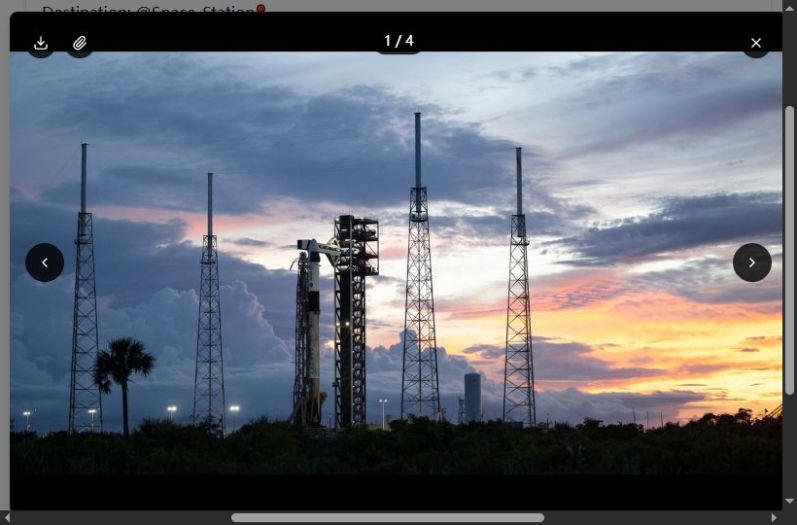
In our November 13, 2026 source check, this NASA post had four photo entries. The source associated them with positions one through four. We used those positions to build the local record. The order describes the post's presentation, so it should be retained even when a different sequence might seem more chronological.
Use the Archivlyx image downloader when your task is obtaining photos from a public post. Paste the original post URL and inspect the returned items. Compare the available images with the source before deciding that you have the whole set. In our current check, the four-image preview opened correctly, and two download buttons produced files. The remaining button attempts did not produce confirmed files. We completed the reference set from the public source images and kept that distinction in the source note. If a returned set is incomplete, compare it with the original post and save the missing source images separately before calling the collection complete.
Keep one source record for the whole set
Create a folder named for the post or project. Put a short source note beside the images. Four fields are enough to make the set traceable. Record the original post URL, the author, the date you collected the files, and the expected number of photos.
Add a fifth field when the material is for publication. Record where you checked its caption, credit, and reuse conditions. A download gives you a file, while the intended publication determines which further checks you need.
For this example, the source record identifies NASA, the original status URL, a collection date of November 13, and four expected photos. Keeping one source record avoids giving each file a slightly different account of where it came from.
Use filenames that preserve the source order
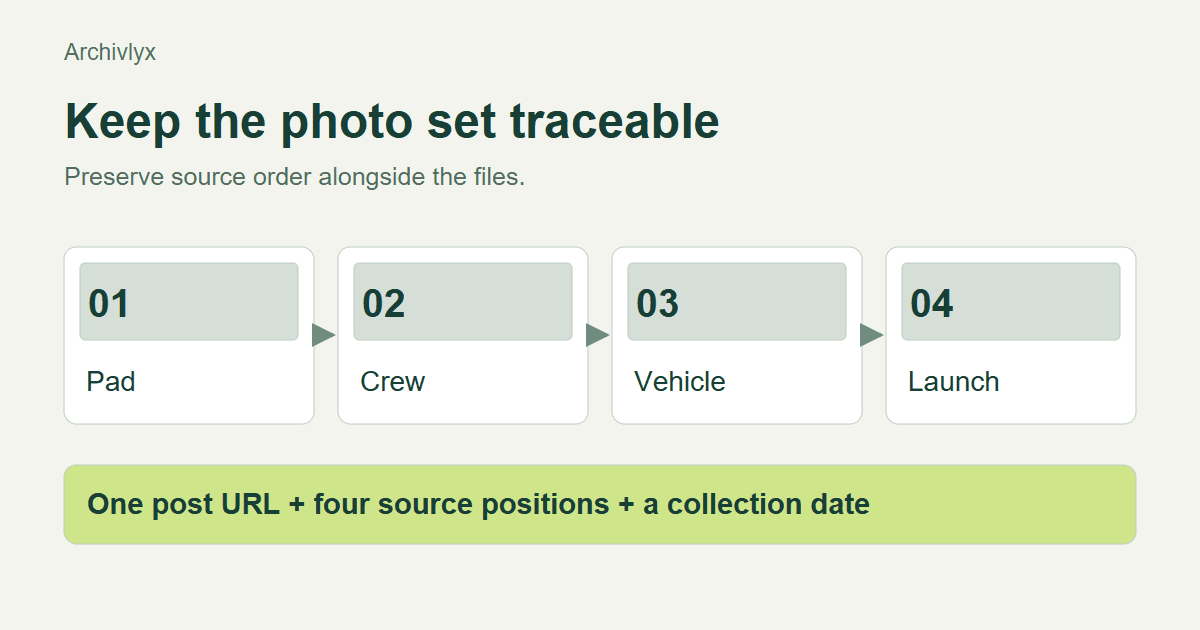
Choose a shared prefix and add a two-digit position. For example, nasa-2105698284354367897-01.jpg through nasa-2105698284354367897-04.jpg. Keep the extension appropriate to the actual file format.
The position should match the source photo index. Download order can vary, and a browser may add a suffix when a filename already exists. Neither is a reliable substitute for the source position.
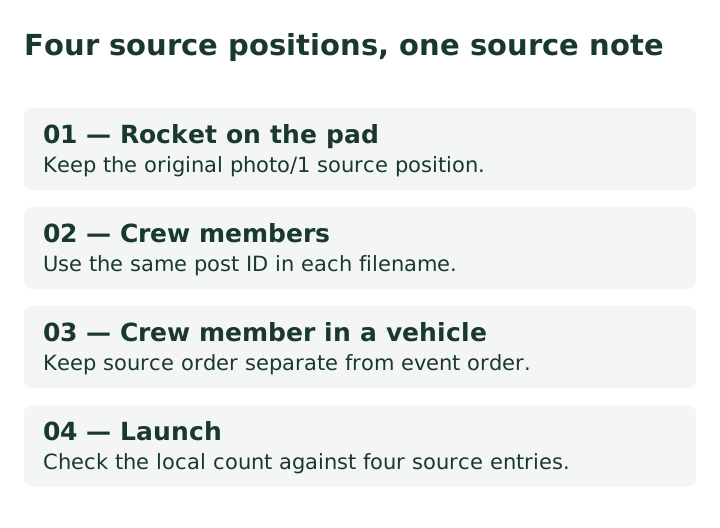
Keep a simple mapping in the source note. In the checked set, the first photo shows a rocket on the pad, the second shows crew members, the third shows a crew member in a vehicle, and the fourth shows a launch. Those brief descriptions help a person match the files without opening every one repeatedly.
Treat these descriptions as identification aids. Captions for publication should be checked against the source's own caption and the surrounding event information. The four-image order alone cannot establish the time each photograph was taken.
Check each saved image
Open every file once. Confirm that the application decodes it, that its visible subject matches the source position, and that you have four distinct images. Then check the pixel dimensions required by your intended use.
A larger byte count does not prove better image quality. File type and compression affect size, and a thumbnail can look acceptable in a folder preview. Inspect the actual file at a useful viewing scale before placing it in a slide or article.
For our source set, the metadata described four images, each 2048 pixels wide, with different heights. Our two confirmed native files were smaller available renditions. We recorded their actual decoded dimensions alongside the remaining source files. That is a useful expectation to compare with obtained files. A tool may return another available size, so record what you actually saved instead of assuming that the source's largest listed dimensions describe every download.
Keep edits separate from the source files
If you crop an image for a cover or add an annotation, save that version under a different name. The source copy remains available when you need another crop or want to check what lay outside the edited frame.
Keep the source position in the edited filename too. A name such as project-03-slide-crop.jpg lets you connect the presentation version with the third source image. Your source note can then explain where the edited version was used.
For mixed media, record each item by its actual type. A post containing photos and video needs a media list that reflects those differences. Our guide to saving research threads covers the wider problem of preserving context across several posts.
Finish with a handoff someone else can follow
Open the folder as if it had arrived from a colleague. Can you identify the source without searching for the account again? Can you put the images back into the post's order? Can you distinguish source files from edited versions?
If those answers are clear, the set is ready for the next stage. Keep the original URL in the finished research note or article where it helps readers follow the evidence. The small amount of organization at collection time makes the images much easier to reuse accurately.