

Ever tried saving a GIF from X (formerly Twitter) but discovered there is no “Save” button? You are not the only one.
The platform is a treasure trove of funny memes, thought-altering reaction clips, and a lot of funny looping clips that say more than speech can. But when it comes to actually saving them, X has played hard to get.
The good news: You can grasp any GIF you want—on Mac, Windows, iPhone, and Android—with a little familiarity.
If you also want to find other alternatives for making the best use of your account data, read a short tutorial about how to download your Twitter archive, the most common means to ensure proper protection of your personal data.
What’s a GIF, and How Does It Work on X?
GIF stands for Graphics Interchange Format, a sort of image that takes frames and keeps putting them together in a loop instead of in real time—like that electronic flipbook no one needs but the viewer's attention.
They've been around since the late 1980s and yet somehow still remain fresh in 2025: they're perfect for internet culture—short, expressive, and universally intelligible. The catch is, X really does not host true GIF files.
Each time you upload a GIF, the platform instantly saves a short MP4 video to minimize the video playing times as well as file size. And that's why there's not a right-click "Save image as…" option—what you have is effectively a muted video running over and over. And if you want to navigate this content without logging in, you can read View Tweets Without Account in 2025 | Complete Guide.
Why Download a GIF?
If you're wondering, 'Why give a damn? I can, you know, just look it up later."
That's the point of having your own stock of GIFs:
- Quick no-go responses. The way we all enjoy looking at a GIF is called "that great GIF."
Have you heard of it? It lands harder when you can share it in no time, rather than looking for it in the middle of a conversation.
- Multi-platform flexibility Use it on Instagram Stories, Discord chats, Slack threads, WhatsApp memes, or even presentations for comedic relief.
- Permanent Access Tweets get deleted, accounts disappear, and links break.
Your saved GIF, yours forever.
- Creative Editing Add text, crop, or remix it into a meme?
You can't do that without the file first.
Why You Can’t Download GIFs Directly from X
You don’t need a third-party app or anything else—instead, all your pictures get downloaded directly from X. The reason is technical:
- Automatic Conversion—After a single GIF is uploaded, X converts it into a looping MP4 video so that playback does not go in a jerky manner with a wasted file footprint.
- No Native Download—As they are technically videos, the save image will not work, and the platform also doesn’t have a “download” button.
- All-Round Support: The GIFs cannot be downloaded freely, even with X Premium subscribers.
- In other words, if you want to retain that GIF, you’d have to take it directly in
How to Download a GIF from Twitter (X)
X doesn’t offer a built-in way to save GIFs, but ArchivlyX makes it surprisingly easy.
Depending on whether you want a single GIF or an entire collection, there are two efficient ways to get it done.
Method 1 – Grab GIFs with ArchivlyX Twitter Viewer
Use this when:
- You found a profile full of GIFs and want to explore & save multiple in one go.
- You spotted a single GIF in a tweet and just want that one.
Option A: Profile Viewer – Perfect for GIF-heavy accounts
If you follow a creator who posts GIFs regularly, this method is the fastest way to collect them.
Steps:
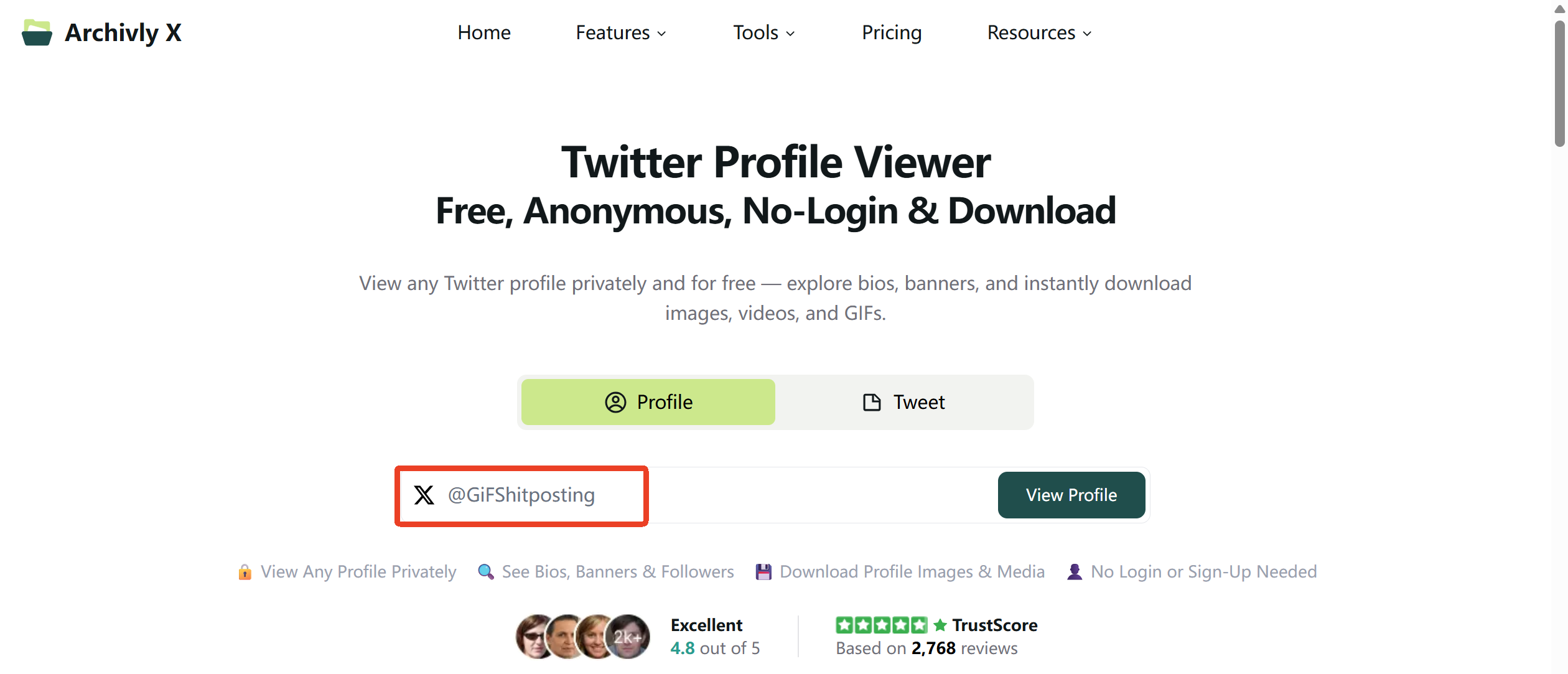
- Enter a profile handle or link Type the @username or paste the full profile URL into the search bar.
- Browse profile details Check bios and banners, and scroll through their posts.
- Access recent media View all images, GIFs, and videos in one gallery.
- Download with one click Select and instantly save the GIFs you want.
💡 Best for building a personal reaction GIF library from your favorite accounts.
Option B: Tweet Viewer – Quick one-off saves
If the GIF you want is in a specific tweet, skip the profile and go straight to the post.
Steps:
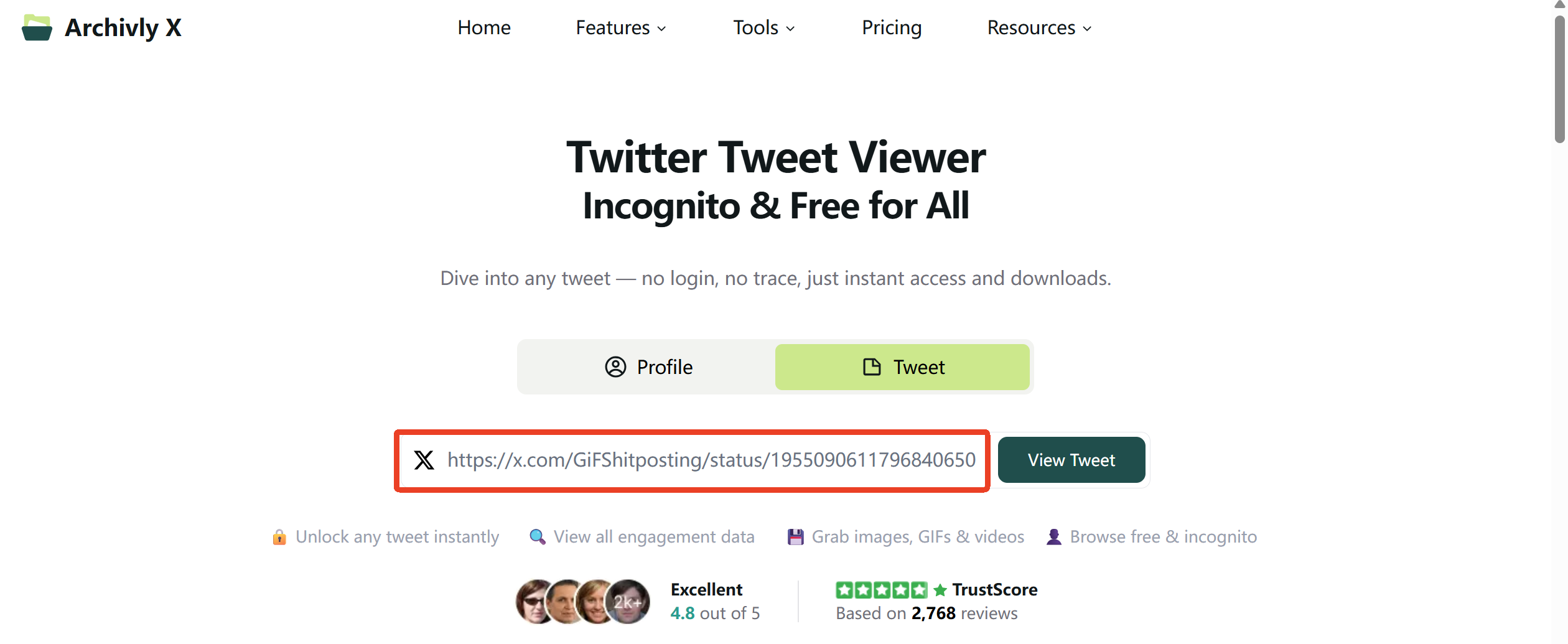
- Drop in the tweet link Copy the tweet URL (e.g., https://x.com/username/status/1234567890) and paste it.
- Peek behind the curtain See the tweet details and attached media without logging in.
- Grab the goodies Download the GIF instantly.
💡 Fast, clutter-free, and perfect when you just need one GIF.
Want to see even more content that X hides behind warnings? Here’s how to view sensitive content on Twitter so you don’t miss anything. And if you’re curious about browsing locked-down accounts, this step-by-step guide on how to view private Twitter accounts in 2025 covers everything you need to know.
Method 2 – Batch Download with Smart Folders
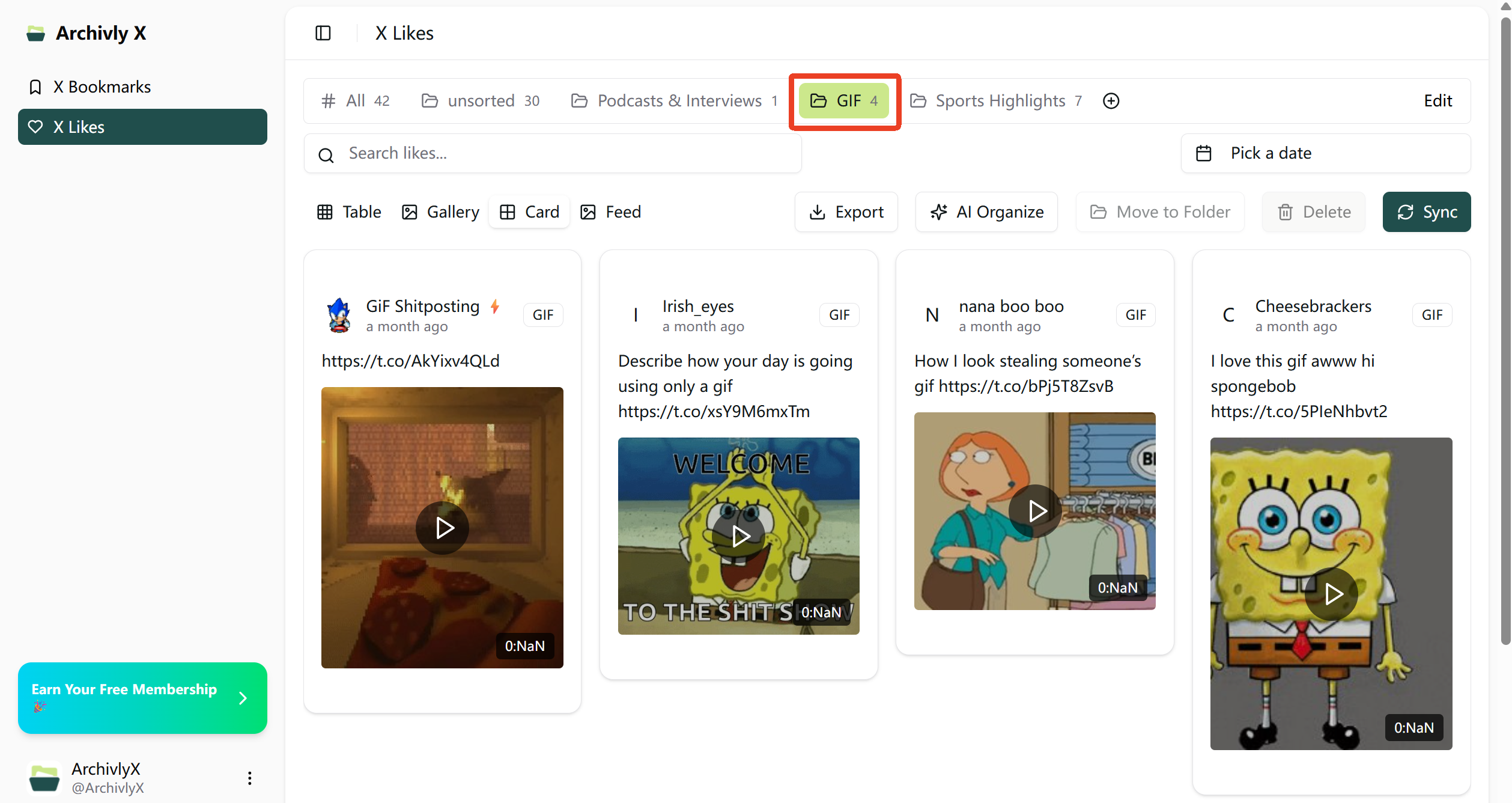
If you’ve been saving posts by liking or bookmarking them, ArchivlyX’s Smart Folders can automatically sort them by media type—making it effortless to pull out all your GIFs at once.
Steps:
- Open Likes/Bookmarks Manager in ArchivlyX.
- Select all the posts, click AI Organize, and follow the prompts to create a new folder named GIF.
- Select the GIF folder—this automatically contains all GIF posts you’ve marked.
- Choose the ones you want and export them in bulk to your device.
💡 Perfect for people who save a lot of media but want to keep GIFs neatly organized without manual sorting.
Ready to Build Your Own GIF Collection?
Don’t let your favorite moments disappear into the X timeline.
Whether it’s one perfect reaction or a whole library of looping gems, ArchivlyX makes saving GIFs quick, simple, and fun.
👉 Try ArchivlyX today and start downloading the GIFs you love—before they vanish.


